
Storing Bitcoin Safely: Beginner Guide
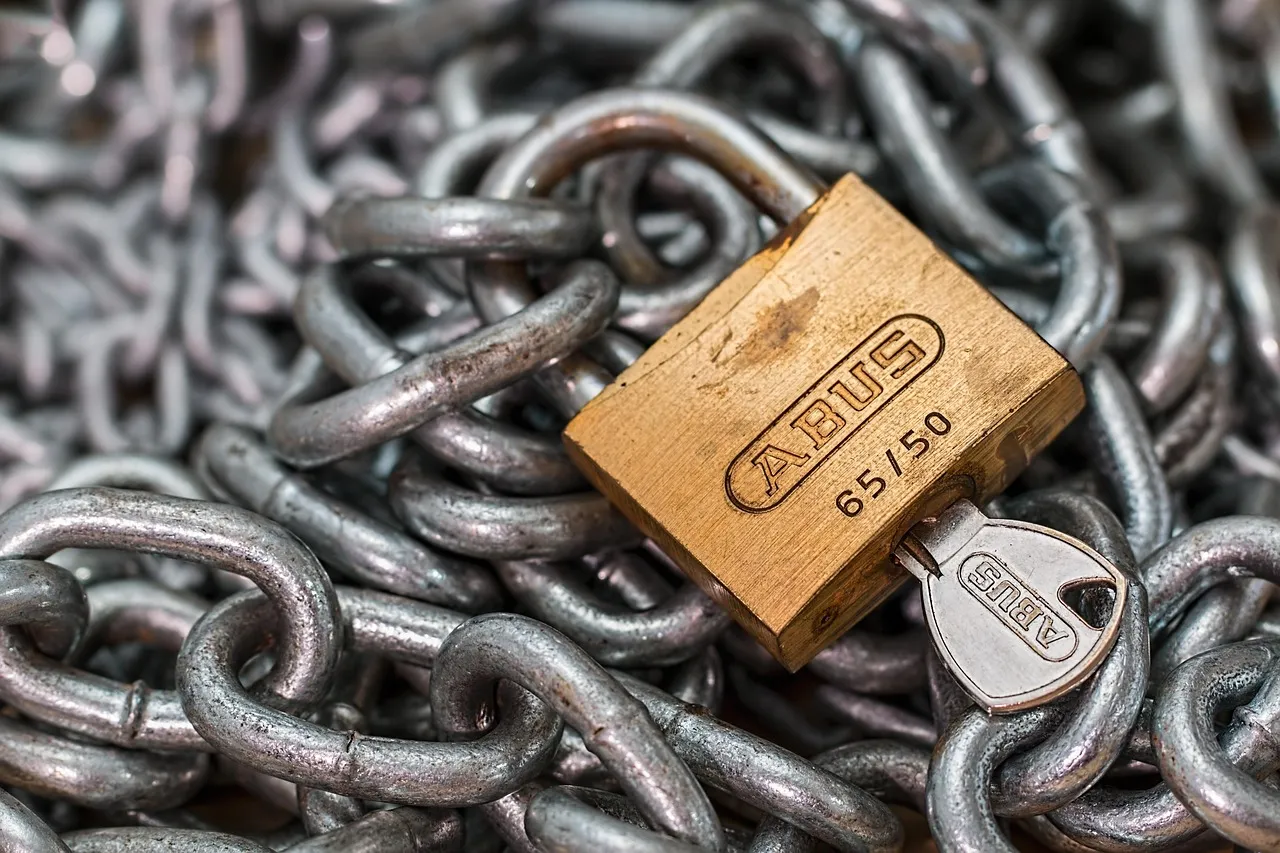
"Not your keys, not your coins." This phrase is the most important thing you will ever learn about Bitcoin. It means: if someone else controls your private keys, you don't truly own your Bitcoin. You're trusting them to give it back.
This guide explains how Bitcoin storage works, which wallet option is right for you, and the exact steps to keep your Bitcoin safe.
Why Bitcoin Storage Is Different From a Bank Account
With a bank, losing your password is no problem. You call support, verify your identity, and regain access. Bitcoin has no such safety net.
Your Bitcoin is controlled by a private key — a unique cryptographic secret that proves ownership. If you lose that key and have no backup, your Bitcoin is permanently inaccessible. Nobody can help you recover it. Not the exchange, not the Bitcoin developers, not any government.
The flip side: nobody can freeze your Bitcoin, confiscate it, or block a transfer. You have complete control — but complete responsibility comes with it.
The Three Concepts You Must Understand
Private keys are long strings of numbers that prove you own specific Bitcoin. Think of them as the master password to your funds. Whoever holds the private key controls the Bitcoin.
Public keys and addresses are derived from your private key. You share your Bitcoin address (like an IBAN) with people who want to pay you. Sharing your address is safe. Sharing your private key is not.
Seed phrases are 12 or 24 ordinary words generated when you set up a wallet. They are a human-readable backup of your private key. Write them down, store them safely, and never share them with anyone. Your seed phrase is your Bitcoin.
Which Type of Wallet Should You Use?
The right choice depends on how much Bitcoin you hold and how often you need to access it.
Hardware Wallets — Best for Larger Holdings
A hardware wallet is a small physical device (roughly the size of a USB stick) that stores your private keys completely offline. Your private key never touches the internet. Even if your computer is infected with malware, your Bitcoin stays safe.
Best options:
- Ledger Nano X — popular, Bluetooth, good app support (~€150)
- Trezor Model T — open-source firmware, touchscreen (~€200)
- BitBox02 — Swiss-made, minimal and secure (~€150)
- Coldcard — maximum security for serious holders (~€150–200)
Always buy directly from the manufacturer's official website. Never buy a second-hand hardware wallet or one from an unverified third-party seller. Tampered devices have been used to steal Bitcoin.
For anyone holding more than €1,000 in Bitcoin, a hardware wallet is worth every cent.
Software Wallets — Convenient for Everyday Use
Software wallets are apps on your phone or computer. They are free, easy to use, and fine for smaller amounts you access regularly — think of them like a physical wallet you carry around.
Trusted options:
- Blue Wallet (mobile, beginner-friendly)
- Electrum (desktop, advanced features)
- Phoenix (mobile, Lightning Network support)
Software wallets are connected to the internet, which means they carry more risk than hardware wallets. Keep large savings on a hardware wallet and use a software wallet only for spending money.
Exchange Wallets (Custodial) — Convenient but Not Ownership
When you leave Bitcoin on an exchange like Coinbase or Kraken, the exchange controls your private keys. This is called custodial storage. It's easy — but you don't truly own the Bitcoin in the way the network was designed for.
Exchanges can be hacked (Mt. Gox, FTX). They can freeze accounts. They can go bankrupt and leave customers empty-handed. For short-term trading, using an exchange is fine. For long-term savings, it is not.
Paper Wallets — Outdated
A paper wallet is a printed document containing your private key. While technically offline, paper wallets are fragile, error-prone to create, and awkward to use. Hardware wallets are a better solution for offline storage today.
Setting Up a Hardware Wallet: Step by Step
Step 1: Buy from the official source. Go directly to the manufacturer's website. Inspect the packaging when it arrives — look for any sign of tampering.
Step 2: Initialize the device. Connect it to your computer and follow the setup instructions. Choose "create new wallet," never "restore."
Step 3: Write down your seed phrase. The device will display 12 or 24 words. Write them down on paper with a pen. Do not type them anywhere. Do not photograph them. Store the paper somewhere safe — ideally in two separate physical locations.
Step 4: Set your PIN. Choose a PIN you will remember. This protects against physical theft of the device.
Step 5: Test with a small amount. Send €10–20 of Bitcoin to the wallet first. Confirm it arrives. Then send larger amounts.
Step 6: Test your backup. At some point, practice restoring your wallet using only your seed phrase. This confirms your backup works before you actually need it.
Protecting Your Seed Phrase
Your seed phrase is the single most important thing to protect. Here is how to do it properly.
Write it on paper, not a screen. No photos, no cloud storage, no typed notes. Phones and computers can be hacked. Paper cannot be remotely accessed.
Store it in multiple locations. A fire or flood can destroy one copy. Keep a second copy in a different location — a fireproof safe, a trusted relative's home, or a safe deposit box.
Consider a metal backup. Companies like Cryptosteel or Bilodreams sell metal plates where you stamp your seed words letter by letter. Metal survives fire and water. Paper does not.
Never share it. No legitimate exchange, wallet company, or support team will ever ask for your seed phrase. Anyone who does is trying to steal your Bitcoin.
Essential Security Habits
Enable two-factor authentication (2FA) on every exchange or service account. Use an authenticator app (like Authy or Google Authenticator) rather than SMS, which can be intercepted.
Update your software. Keep wallet apps and device firmware up to date. Security patches matter.
Verify addresses carefully. When sending Bitcoin, always double-check the recipient address. Malware can silently replace copied addresses. Send a small test amount first for large transfers.
Avoid public Wi-Fi. Do not access your Bitcoin accounts on public or shared networks.
Use a dedicated email address. Create a separate email account for your Bitcoin-related accounts. Use a strong, unique password and enable 2FA.
Advanced: Multi-Signature Wallets
For very large Bitcoin holdings, a multi-signature setup (multi-sig) adds an extra layer of protection. It requires multiple private keys to authorize a transaction — for example, 2 out of 3 keys.
This means even if one key is compromised, your Bitcoin cannot be moved without the others. It also protects against single points of failure: if one key is lost, the others still provide access.
Multi-sig setups are more complex to configure. They are typically used by people holding significant amounts — often above €50,000. Tools like Sparrow Wallet or Unchained Capital can guide you through this setup.
Planning for the Future
Bitcoin is a long-term savings asset for many people. That means your heirs should be able to access it if something happens to you.
Create a clear document that lists your wallets, how to access them, and where your seed phrase backups are stored. Store this document securely — not on your computer. Tell a trusted person that it exists and where to find it.
This is not morbid planning. It is responsible ownership of a valuable asset.
Common Mistakes to Avoid
Storing your seed phrase digitally. This is the most common mistake. Cloud-stored seed phrases have been stolen even from experienced users.
Buying from unofficial sources. Only purchase hardware wallets directly from manufacturers. Pre-seeded or tampered devices have been used in scams.
Using the same password everywhere. A breach on one site can expose all accounts. Use a password manager and unique passwords.
Leaving everything on an exchange long-term. Exchanges are for trading. Hardware wallets are for saving.
Skipping the recovery test. Always verify that your seed phrase backup actually works before storing large amounts.
Summary: Which Storage Fits You?
| Situation | Recommended storage |
|---|---|
| Under €500, regular use | Software wallet (Blue Wallet, Electrum) |
| €500–€5,000 | Hardware wallet (Ledger, Trezor, BitBox02) |
| €5,000+ | Hardware wallet + seed phrase metal backup |
| €50,000+ | Multi-signature setup, geographic distribution |
| For heirs | Documented recovery plan in a secure location |
This article is for educational purposes only. It is not financial advice. Always verify information independently and consult professionals for significant financial decisions.
👉 Calculate how much Bitcoin you need for retirement — free calculator
Related Articles

Quantum Computing & Bitcoin: The Risk?
Could quantum computers break Bitcoin? Explore the real risks, timelines, cryptographic realities, and why Bitcoin can adapt long before quantum threats become practical.
How to Buy Bitcoin: Guide for Beginners
A step-by-step guide to buying your first Bitcoin safely. Learn about wallets, exchanges, fees, and the most common mistakes to avoid as a beginner.